
Your smartphone knows more about you than your best friend. From your location and contacts to your voice and browsing habits, apps are constantly collecting data — often without your knowledge. But here’s the good news: you can stop it.
This guide shows you exactly how to prevent apps from spying on you, step by step. No tech jargon. No fear tactics. Just clean, actionable advice that works.
🔍 Why Apps Spy — and What They Want
Apps spy to monetize your behavior. They track your:
- Location — even when the app isn’t open
- Microphone — listening for keywords or ambient sounds
- Camera — sometimes without clear consent
- Contacts & messages — to build social graphs
- Browsing & search history — to profile your interests
Even legitimate apps can overreach. A flashlight app doesn’t need access to your microphone. A weather app shouldn’t need your contacts.
📱 Step 1: Audit Your App Permissions
Start by checking which apps have access to sensitive features.
On Android:
- Go to Settings → Privacy → Permission Manager
- Review access to Location, Camera, Microphone, Contacts, Files
- Revoke anything that feels excessive
On iPhone:
- Go to Settings → Privacy & Security → Tracking
- Disable “Allow Apps to Request to Track”
- Review permissions under Privacy → [Feature] → [App]
Pro tip: Delete apps you haven’t used in 30 days. If you don’t use it, it shouldn’t have access.
🧯 Step 2: Turn Off Passive Tracking
Apps often track you even when you’re not using them.
On Android:
- Settings → Privacy → Activity Controls
- Turn off Location History and Web & App Activity
On iPhone:
- Settings → Privacy & Security → Location Services
- Set most apps to “While Using” or “Never”
Also disable Bluetooth, NFC, and Hotspot when not in use. These can be exploited for silent data collection.
🧼 Step 3: Clean Your Digital Footprint
Apps and browsers store logs of your activity. Clear them regularly.
Do this weekly:
- Clear browser history and cookies
- Clear app cache (Android: Settings → Storage → Apps → Clear Cache)
- Log out of apps you rarely use
- Delete old downloads and media from messaging apps
This reduces the amount of data available for profiling.
🔐 Step 4: Use Privacy-First Apps
Replace data-hungry apps with privacy-conscious alternatives.
| Category | Replace With |
|---|---|
| Browser | Brave, DuckDuckGo |
| Messaging | Signal, Telegram |
| Search | Startpage, DuckDuckGo |
| VPN | ProtonVPN, NordVPN |
These apps don’t track you, sell your data, or listen in. They’re built for privacy from the ground up.
🧠 Step 5: Understand App Behavior
Some apps behave suspiciously — even if they’re popular.
Warning signs:
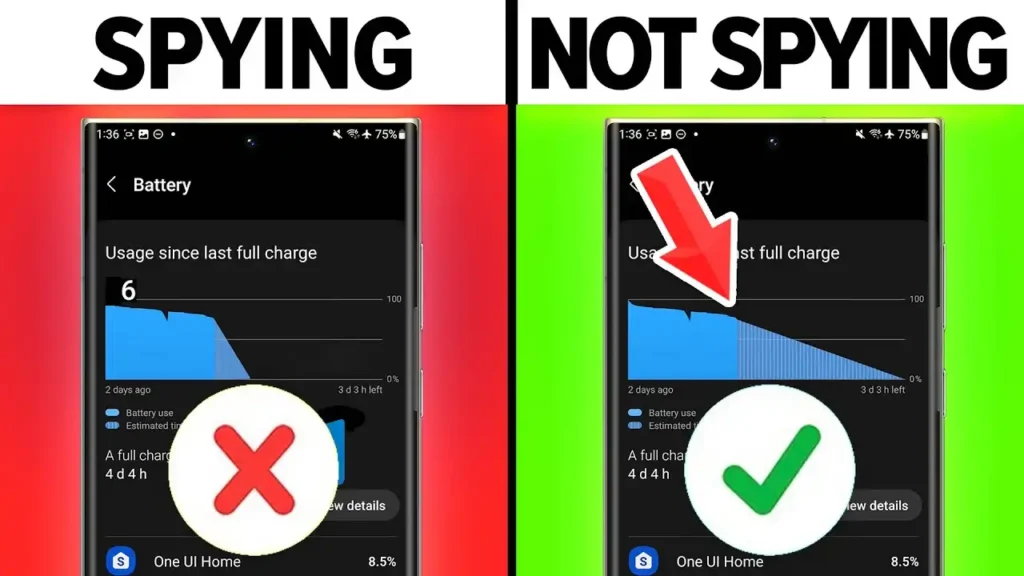
- Battery drains faster after installing an app
- Phone heats up unexpectedly
- You hear static or clicks during calls
- You see strange pop-ups or redirects
- You notice data usage spikes
If you suspect an app is spying, uninstall it immediately. Then run a security scan.
🛡️ Step 6: Install Anti-Spyware Tools
Security apps can detect and block spyware.
Recommended tools:
- Bitdefender Mobile Security
- Malwarebytes
- Kaspersky Mobile Antivirus
- Jumbo Privacy (AI-powered privacy manager)
- Bouncer (Android: temporary permission control)
These apps monitor behavior, scan for threats, and alert you to suspicious activity.
🔄 Step 7: Keep Everything Updated
Updates fix vulnerabilities that spyware exploits.
Always update:
- Your operating system
- All installed apps
- Your security software
Enable auto-updates to stay protected without manual effort.
🌐 Step 8: Avoid Public Wi-Fi Without Protection
Public networks are a goldmine for data thieves.
If you must connect:
- Use a VPN
- Avoid logging into sensitive accounts
- Don’t make purchases or access banking apps
- Prefer your mobile data or personal hotspot
Even hotel and café Wi-Fi can be compromised.
🧩 Step 9: Don’t Sideload Apps
Apps from unofficial sources are a major risk.
Stick to:
- Google Play Store (Android)
- Apple App Store (iOS)
Avoid APKs from random websites. They often contain hidden spyware.
🧨 Step 10: Reset Permissions Regularly
Apps update and sometimes regain permissions silently.
Every month:
- Recheck app permissions
- Revoke anything unnecessary
- Delete apps you don’t trust
This keeps your privacy hygiene strong.
🧿 Bonus: Use AI to Guard Your Privacy
AI tools can help you stay ahead of threats.
- Jumbo — manages privacy settings across apps
- Bouncer — grants temporary permissions
- App Permission Monitor — alerts you to changes
These tools automate your privacy defense so you don’t have to micromanage.
Take Back Control
Your phone should serve you — not spy on you. By auditing permissions, using privacy-first apps, and staying vigilant, you can dramatically reduce the risk of being tracked or profiled.
This isn’t paranoia. It’s smart digital hygiene.