Google’s Stitch 2026 — The AI Design Engine That’s Redefining Creative Workflows

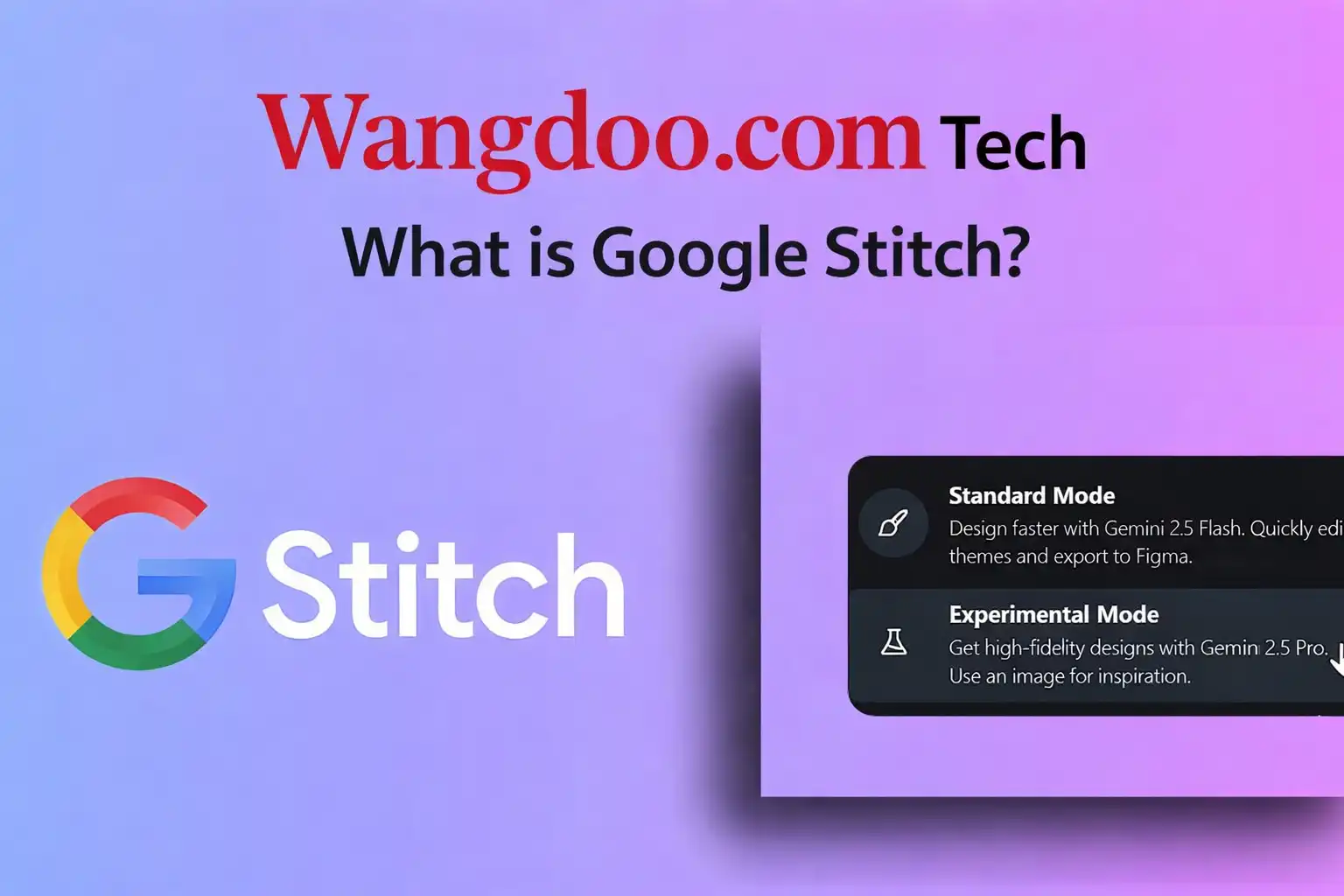
Google Stitch 2026: The Free AI Design Tool That's Making Figma Nervous
Turn a text prompt into a five-screen app design in under three minutes — for free. Google just made its most serious move into professional design, and the timing couldn't be worse for Figma.
Figma has dominated professional UI design for nearly a decade. It won by being collaborative, cross-platform, and more accessible than Adobe's established tools. Google just applied the same playbook — but with AI at the core and a price tag of zero. Google Stitch, powered by Google's Gemini model family, launched at Google I/O 2025 as a modest experiment. Twelve months later, after a sweeping March 2026 update and a landmark announcement at Google I/O 2026 on 20 May, it has evolved into something far more serious: a real-time streaming design agent with multiplayer collaboration, voice input, code export in seven frameworks, and Figma integration — all completely free while in Google Labs.
Google Stitch's Vibe Design mode explained — what changed in 2026 and why the design world is paying attention. Via YouTube.
What Is Google Stitch?
Google Stitch is a free AI-powered UI design tool available at stitch.withgoogle.com. All you need is a Google account — no credit card, no subscription. It was built on technology from Galileo AI, a text-to-UI startup founded in 2022 that Google acquired in May 2025 and rebranded as Stitch. The core engine was already one of the most capable prompt-to-interface tools available before the acquisition; backed by Gemini and Google's infrastructure, it has accelerated sharply since.
Describe the interface you want in plain English — or upload a sketch, screenshot, or voice note — and Stitch generates a high-fidelity UI screen in roughly 45 seconds. A five-screen connected app flow takes around three minutes. Output includes consistent typography, colour palettes, and component styles across every screen, and exports directly to Figma or clean React, HTML/CSS, Flutter, or Tailwind code.
"Stitch is evolving into an AI-native software design canvas that allows anyone to create, iterate and collaborate on high-fidelity UI from natural language."
— Google Labs Official Blog, March 2026The History: From Galileo AI to Google I/O 2026
What's New: Google I/O 2026
Real-Time Streaming Agent
The biggest change at I/O 2026 is the replacement of Stitch's turn-based workflow with a continuous streaming model. Previously: submit a prompt, wait for the full result, evaluate. Now, the Stitch Agent renders UI components directly onto the canvas as you type or speak — reflowing layouts in real time before generation is complete. You can steer it mid-generation, stopping a layout direction heading the wrong way before it finishes, then redirecting immediately. The experience is closer to a live pair design session than a prompt-and-wait tool.
Multiplayer Collaboration
Until I/O 2026, Stitch was single-user — one of its most cited limitations relative to Figma. That is now gone. Simultaneous multi-user editing has been added, mirroring Google Docs collaboration. Multiple designers or product managers can work on the same canvas in real time, see each other's changes live, and use the AI agent together. Available globally at no cost from launch day.
Voice-First Design
Voice input, introduced in March 2026, is now tightly woven into the streaming loop. Say "give me three different menu options" or "show me this screen in different colour palettes" and watch the canvas respond as you speak. The agent asks clarifying questions through dialogue and surfaces alternatives without disrupting your current work.
DESIGN.md — The Open Format
A plain-text file that captures a project's complete design system — typography, colour palette, spacing rules, and component conventions — in a format AI agents can read and write. Open-sourced under Apache 2.0 in April 2026. Teams can export a design system from one Stitch project and carry it into Claude Code, Cursor, or GitHub Copilot. Design rules persist across sessions without manual re-entry.
Key Specs & Pricing
| Feature | Detail |
|---|---|
| Price | Free — no credit card, no subscription |
| Access | stitch.withgoogle.com · Google account required |
| Standard Credits | 400 design credits/day · resets midnight UTC · Gemini 2.5 Flash |
| Redesign Credits | 15 redesign credits/day · complexity-based system · Gemini 2.5 Pro |
| Multi-screen | Up to 5 connected screens per generation |
| Input types | Text, image, sketch, screenshot, voice |
| Code export | HTML/CSS, Tailwind CSS, Vue.js, Angular, Flutter, SwiftUI + Figma |
| Collaboration | Real-time multiplayer (from May 2026) |
| Agent | Real-time streaming (from May 2026) |
| DESIGN.md | Open-source design system format (Apache 2.0) |
| MCP Integration | Cursor, Blackbox, Claude Code, GitHub Copilot |
| Paid Plans | None yet — expected Q4 2026 on Labs exit |
Google Stitch vs Figma
- Free vs Figma's $15/seat/month
- Prompt-to-UI in seconds — zero setup
- 5-screen coherent flows from one prompt
- Voice-driven real-time design
- Usable code export across 7 frameworks
- No learning curve for non-designers
- DESIGN.md for AI-native design systems
- Integrates with Gemini ecosystem
- 2,000+ plugin ecosystem
- Custom production component libraries
- Mature version history and branching
- Enterprise security and compliance
- Precise manual design controls
- Stable — not a Labs experiment
- Deeper developer handoff workflows
- Years of team design infrastructure
The honest summary: Stitch wins the zero-to-one phase — concept to clickable prototype faster than anything else available. Figma wins the production phase — custom systems, granular control, and platform stability. For many small teams and solo builders, Stitch is now more than enough.
Who Is Google Stitch For?
Designers will find Stitch most valuable in early exploration — generating five layout directions in the time it takes to set up a Figma file. Not a replacement for production work with complex custom component libraries, but it dramatically shortens the distance from idea to shareable concept.
Product managers and founders can generate ten interface concepts in an afternoon without hiring a designer. The output is good enough to validate a direction with stakeholders before committing to detailed design work.
Developers get a bridge between concept and code. Exported HTML/CSS, Tailwind CSS, Vue.js, Angular, Flutter, and SwiftUI output is structured well enough to serve as a real starting point. The MCP integration with Cursor and Claude Code means design context flows directly into the development environment.
Non-technical creators — bloggers, content creators, small business owners — can now prototype app or landing page ideas with no design background. Voice input and natural language lower the barrier to near zero.
Limitations Worth Knowing
Stitch generates front-end UI only. There is no backend generation, authentication, data validation, or API integration. You get a visual layer — polished, exportable, and code-ready, but not a deployable application. Teams still need developers to build out the full product.
Design output defaults to Google's Material Design 3. Teams on iOS-first brands, custom design systems, or non-Material visual identities will find the output requires post-processing. The theme sidebar allows colour, typography, and corner radius adjustments but does not support importing your own production component library.
Pros & Cons
Pros
- Completely free — no credit card required
- Real-time streaming AI agent (May 2026)
- Multiplayer collaboration — matches Figma's core
- 5-screen coherent generation from one prompt
- Voice, text, sketch, and image input
- Exports to HTML/CSS, Tailwind, Vue.js, Angular, Flutter, SwiftUI + Figma
- DESIGN.md works with Claude Code and Cursor
- Zero learning curve — no design experience needed
- Built on Galileo AI — real design training, not generic output
Cons
- Google Labs product — could change or close anytime
- Free tier expected to end ~Q4 2026
- Front-end only — no backend or API generation
- Material Design 3 default — limited custom brand support
- Not production-ready code — requires developer review
- Version history less mature than Figma
- May be unavailable in some countries during beta
The strongest free argument against paying $15 a seat the design world has ever seen
Google Stitch is not trying to replace Figma for production design teams — not yet. What it is doing is making the entire idea-to-prototype phase faster, more accessible, and completely free. For founders, product managers, developers, and anyone who needs to visualise an interface before committing to a full design sprint, Stitch is now the obvious starting point in 2026.
The I/O 2026 additions — real-time streaming, multiplayer, and tighter voice integration — close the biggest gaps identified since March. The free window is almost certainly temporary. Q4 2026 is the expected pivot to paid tiers. If you haven't tried Stitch yet, now is the time.
Free at stitch.withgoogle.com · Google account required · No credit card · Available globally
© 2026 Wangdoo.com — Tech worth knowing.
Not affiliated with Google. All feature claims sourced and linked below.
Frequently Asked Questions
What is Google Stitch and how does it work?
Is Google Stitch really free?
How does Google Stitch compare to Figma?
What is Vibe Design in Google Stitch?
Can Google Stitch replace a designer?
What code does Google Stitch export?
📚 Sources & References
- Google Labs — Official Stitch I/O 2025 announcement — developers.googleblog.com
- Google Labs — Stitch 2.0 canvas update, March 2026 — blog.google
- TechTimes — Stitch Agent & multiplayer launch, May 2026 — techtimes.com
- UXPin — Google Stitch AI features review, April 2026 — uxpin.com
- Moda — Google Stitch honest review, April 2026 — moda.app
- NxCode — Stitch pricing and generation limits, March 2026 — nxcode.io
- Data Science Dojo — Google Stitch vs Claude Design comparison — datasciencedojo.com
- Gapsy Studio — Galileo AI to Google Stitch history — gapsystudio.com