Google’s Biggest Android Update Ever: Android 17 Features, Release Date & What’s Actually New

Android 17 Features Explained (2026): Gemini Intelligence, Googlebook & Everything New

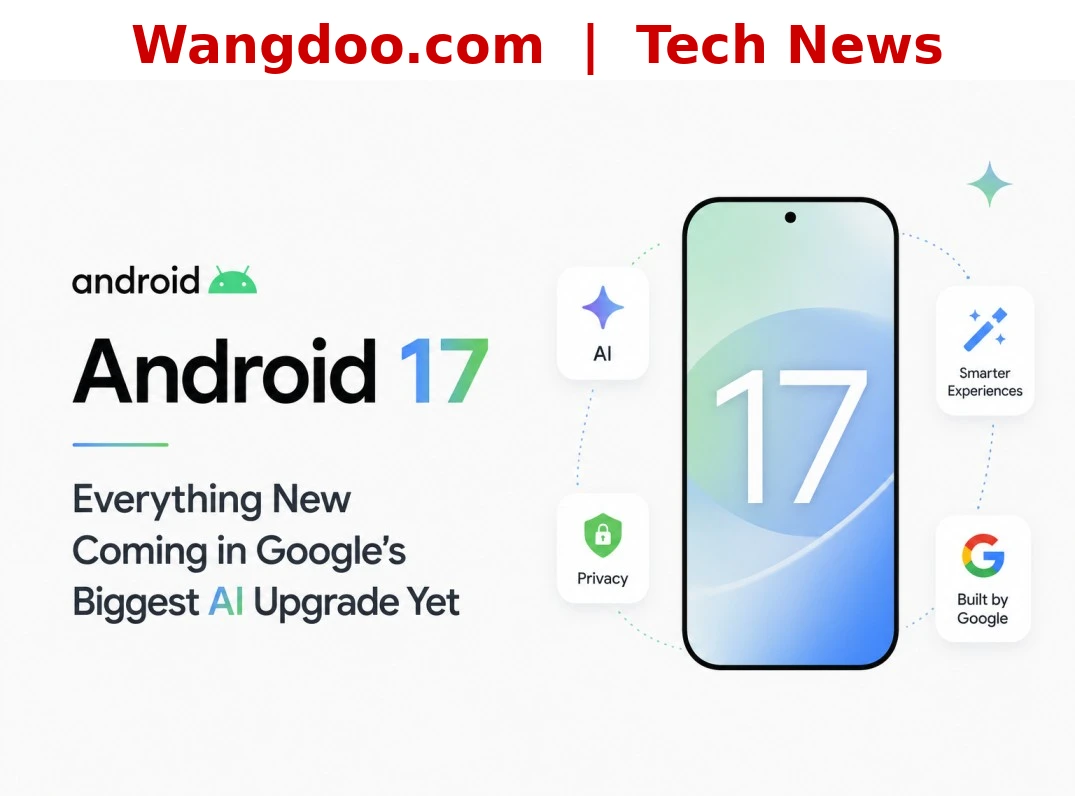
Android 17 official artwork — Source: Google / Wangdoo.com
Google officially unveiled Android 17 at The Android Show: I/O Edition on 12 May 2026 — and it is unlike any previous Android release. Rather than a feature refresh, this is a strategic repositioning of the entire platform. Google is calling Android an “intelligence system” for the first time, with a deep AI layer called Gemini Intelligence woven through every corner of your phone, car, and now laptop. Here is everything confirmed, fact-checked against official Google sources.
▶ The Android Show: I/O Edition 2026 — Official Google reveal, 12 May 2026
What Is Android 17?
Android 17 is Google’s most ambitious platform update since Material Design. Announced at The Android Show: I/O Edition — a new dedicated pre-I/O event — the update introduces a brand new AI layer called Gemini Intelligence, a completely redesigned 3D emoji set, a major Android Auto overhaul, and a surprise new laptop category called Googlebook.
The stable release begins rolling out to Pixel devices in June 2026, with Samsung Galaxy S26 series following shortly after via One UI 9. Other manufacturers including OnePlus, Xiaomi, and Motorola will receive the update through late 2026 and into 2027.
Gemini Intelligence: Android Gets an AI Brain
The headline feature of Android 17 is Gemini Intelligence — Google’s new name for a suite of proactive AI capabilities that work across your apps, not just inside a chat window. This is the shift from a reactive assistant to an active agent that gets things done on your behalf.
The example Google demoed on stage: ask Gemini to find your class syllabus in Gmail and automatically add the required books to a shopping cart. Another demo had Gemini snap a photo of a hotel brochure and find a similar tour for six people on Expedia. Crucially, Gemini always asks for your confirmation before anything is purchased or posted. You stay in control at the final step.
“Android is moving from being an operating system to an intelligence system — one where AI acts on your behalf across every app, not just inside a chat window.” — Google, The Android Show I/O Edition, May 2026
Create My Widget: Build Your Home Screen with Words
One of the most talked-about Android 17 features is Create My Widget. You describe what you want in plain language — “show me three high-protein meal prep ideas every week” or “a countdown to my holiday with today’s exchange rate” — and Gemini builds a fully working, personalised home screen widget using Google’s Material Expressive design language.
No app, no Play Store search, no configuration screen. The same feature also creates Wear OS tiles and desktop widgets on the new Googlebook laptops. This is the first time Android has offered genuinely generative UI — widgets that didn’t exist before, built on demand.
Rambler: Voice-to-Text That Finally Works Like a Human
Rambler is a major upgrade to Gboard’s voice dictation. The problem it solves is simple: nobody speaks the way they type. We pause, restart sentences, say “um,” and change our minds mid-thought.
With Rambler enabled, you speak completely naturally — including the rambling. The AI listens to everything and produces a clean, concise message before sending. It supports multiple languages in a single input, so bilingual speakers can switch mid-sentence without breaking the flow. Speech is processed in real time and is not stored or saved anywhere.
Android Auto: Your Dashboard Gets a Massive Upgrade
🗼 Immersive Navigation (Google Maps)
Google is calling this the biggest Maps update in over a decade. The flat 2D map is replaced with an edge-to-edge 3D view showing real buildings, bridges, overpasses, and terrain. Traffic lights, stop signs, and lane markings are all highlighted. When you drive under an overpass, the map uses a transparency effect to show what is on the other side.
🎯 Live Lane Guidance
Using your car’s front-facing camera, Live Lane Guidance identifies exactly which lane you are in and gives precise real-time instructions — not the generic “stay left” guidance current systems provide. Note: this requires a car with Google built-in (Android Automotive), not just a phone connected to Android Auto.
🎬 Entertainment
Full-screen YouTube playback is available when the vehicle is parked, switching to audio-only while driving. Customisable widgets let drivers rearrange their dashboard layout. Cars with Google built-in also get access to meeting apps like Zoom via Gemini.
Screen Reactions & Creator Tools
Screen Reactions is Android 17’s built-in reaction video tool. It captures your screen and front-facing camera simultaneously — the effect creators currently need third-party apps to achieve. It works with both videos and images, arriving on Pixel phones first.
Google also worked with Meta to add two Android-exclusive AI tools in the Instagram Edits app: Smart Enhance (upscales photos and videos in one tap) and Sound Separation (splits a clip’s audio into voice, music, and ambient tracks for individual editing).
Noto 3D: 4,000+ Emoji Get a Glow-Up
Android’s emoji have long been criticised as flat and dull compared to Apple’s. Android 17 fixes this with Noto 3D — a complete redesign of all 4,000+ emoji with depth, shadow, and visual weight. Pixel phones get them first, with a broader rollout across Google products through late 2026.
Pause Point: A Smarter Screen Time Tool
Pause Point is Google’s new approach to doomscrolling. When you open an app you have flagged as distracting — Instagram, TikTok, Facebook — a splash screen appears with a 10-second pause before the app opens. From that screen you can do a short breathing exercise, set a session timer, view a favourite photo, or switch to an alternative app like an audiobook.
Googlebook: Google’s New Laptop Category
The biggest surprise from The Android Show was Googlebook — a brand-new premium laptop category built around Gemini Intelligence and a merged Android + ChromeOS operating system. Every Googlebook runs Android apps natively, features a signature Glowbar LED on the lid, and includes tools like Magic Pointer (hover over anything on screen and Gemini suggests contextual actions).
Important: Googlebook is not replacing the Chromebook. Google has confirmed Chromebooks continue with up to 10 years of support for existing devices. Googlebook is a separate, more premium product for a different audience.
Confirmed launch partners: Acer, ASUS, Dell, HP, and Lenovo. First devices arrive Fall 2026. Samsung is not in the initial partner list, though leaks suggest Galaxy Book models on Android 17 may follow separately.
Switching from iPhone Just Got Easier
Google has worked with Apple to make moving from iPhone to Android significantly smoother. A new wireless transfer tool now supports migrating apps and app data, eSIMs, home screen layouts, and passwords — all wirelessly, no cable or computer required.
Android 17 vs Android 16 — Key Differences
| Feature | Android 16 | Android 17 |
|---|---|---|
| AI Assistant | Gemini (in-app only) | Gemini Intelligence — cross-app agentic AI |
| Custom Widgets | Pre-built widgets only | Create My Widget — AI-generated from plain language |
| Voice-to-Text | Standard dictation | Rambler — natural speech cleaned into concise text |
| Emoji | Flat 2D Noto | Noto 3D — 4,000+ redesigned with depth |
| Google Maps / Auto | Flat 2D navigation | Edge-to-edge 3D Immersive Navigation |
| iPhone Migration | Limited wired transfer | Full wireless transfer (apps, eSIM, passwords) |
| Laptop Platform | ChromeOS / Chromebook | Googlebook — new premium category (Chromebook continues) |
| Screen Time | App timers (easy to dismiss) | Pause Point — 10-second mindful pause screen |
Pros & Cons of Android 17
👍 Pros
- Gemini Intelligence is genuinely new
- Create My Widget is a first for Android
- Rambler solves a real voice dictation problem
- 3D emoji finally match Apple quality
- Googlebook is an exciting new category
- Immersive Navigation is impressive
- iPhone migration is now much simpler
- Screen Reactions built-in, no third party needed
👎 Cons
- Best features limited to Pixel 10 / S26 first
- Live Lane Guidance needs Android Automotive car
- Googlebook pricing unknown — expected ~$1,000+
- Samsung not a Googlebook launch partner yet
- Mid-range devices may wait until 2027
- Gemini confirmation step adds friction for quick tasks
Android 17 Rollout Timeline
-
12 May 2026Android Show: I/O Edition — Official feature announcement
-
19–20 May 2026Google I/O 2026 — Developer deep-dive; more details expected
-
June 2026Pixel 10 stable release — First devices get Android 17
-
Summer 2026Samsung Galaxy S26 series — One UI 9 rollout begins
-
Fall 2026Googlebook laptops launch — Acer, ASUS, Dell, HP, Lenovo debut hardware
-
Late 2026 – 2027Broader Android rollout — OnePlus, Xiaomi, Motorola, mid-range Galaxy devices
A Genuinely Significant Android Update
Android 17 isn’t a polish release — it’s a strategic repositioning. Gemini Intelligence is the most consequential change to Android since Material Design. If the features deliver in practice what Google showed on stage, this update closes the AI gap between Android and iOS — and in several areas, surpasses it. The Googlebook announcement alone changes the conversation about what Android can be.
Sources & Further Reading
- Google Blog — The Android Show: I/O Edition 2026 (Official)
- Android Central — Top Android 17 Announcements
- Android Central — Googlebook Explained
- SamMobile — Android 17 (One UI 9) Feature Breakdown
- MacRumors — Google Previews Android 17 with Gemini Intelligence
- PhoneArena — Android 17: Gemini Intelligence, Rambler, and the End of Doom-Scrolling
- DigitBin — Android 17 Features from The Android Show 2026