Smart Home Devices Not Connecting? Here’s What’s Actually Wrong

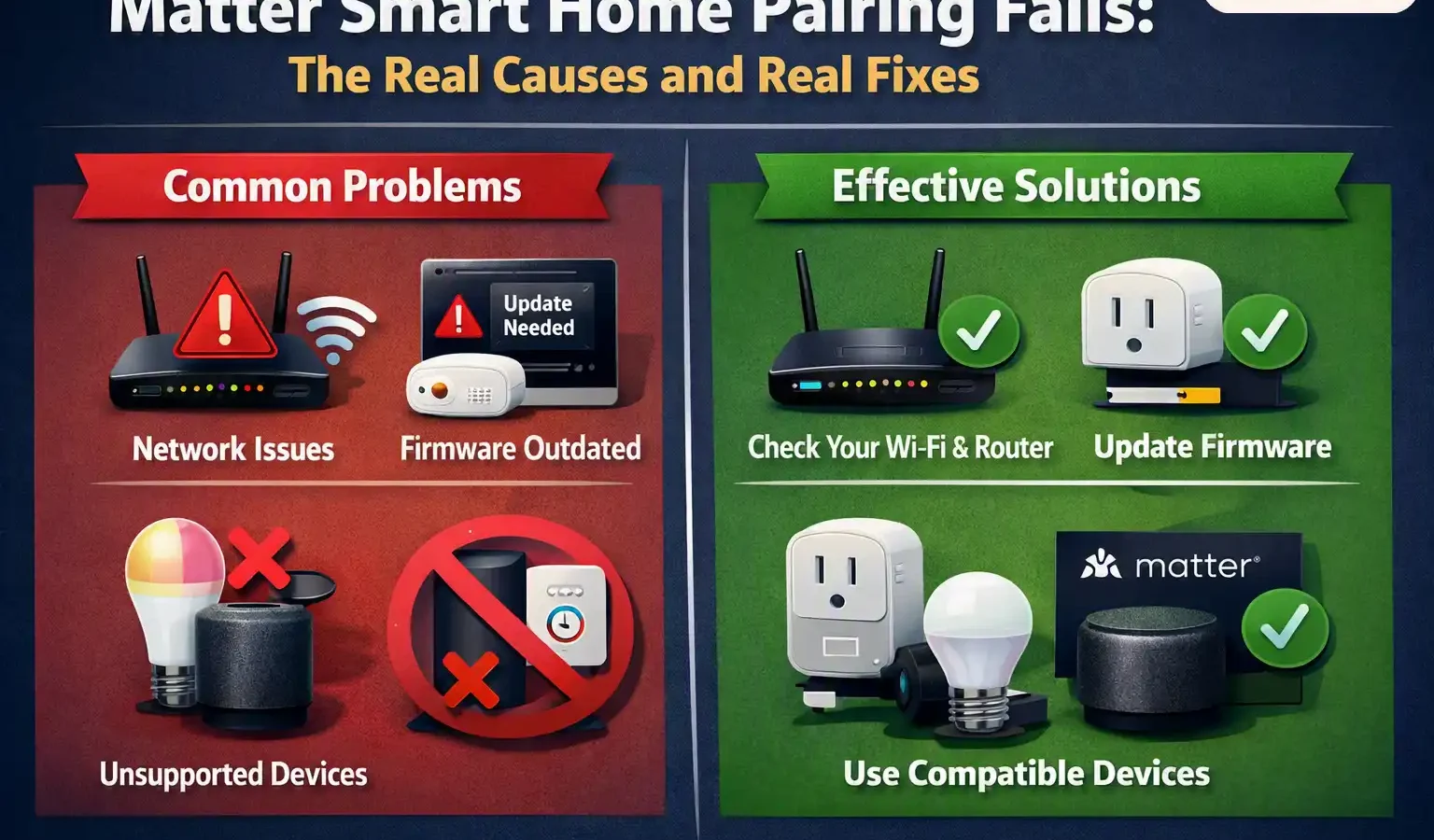
In short: Matter pairing failures almost always come down to one of five things: no Thread border router available, IPv6 disabled on your router, the device is already claimed by another platform, multiple unmerged Thread networks confusing the device, or a network setting (guest network, VLAN, AP isolation) silently blocking the discovery process Matter depends on. Work through these in order rather than repeatedly resetting the device — resetting fixes almost none of these causes.
First, understand what’s actually happening during pairing
Matter isn’t one single technology — it’s a shared language that two different underlying networks can speak, and that promised unity has been slow to fully materialize across platforms since Matter’s 2022 launch. Some Matter devices connect over your regular Wi-Fi. Others connect over Thread, a separate low-power mesh network that needs its own dedicated hardware, called a border router, to bridge it back to your home network and the internet. A HomePod mini, an Apple TV 4K, a Google Nest Hub, and various dedicated Thread radios can all act as a border router — but a device without one physically cannot reach a Thread network, no matter how many times you retry pairing.
Knowing which type your device uses changes where you should even start looking. If a Wi-Fi Matter device won’t pair, the problem is almost always your router or network settings. If a Thread device won’t pair, the problem is almost always the border router itself, or a conflict between multiple border routers running separate, unmerged Thread networks.
The five real causes, in the order to check them
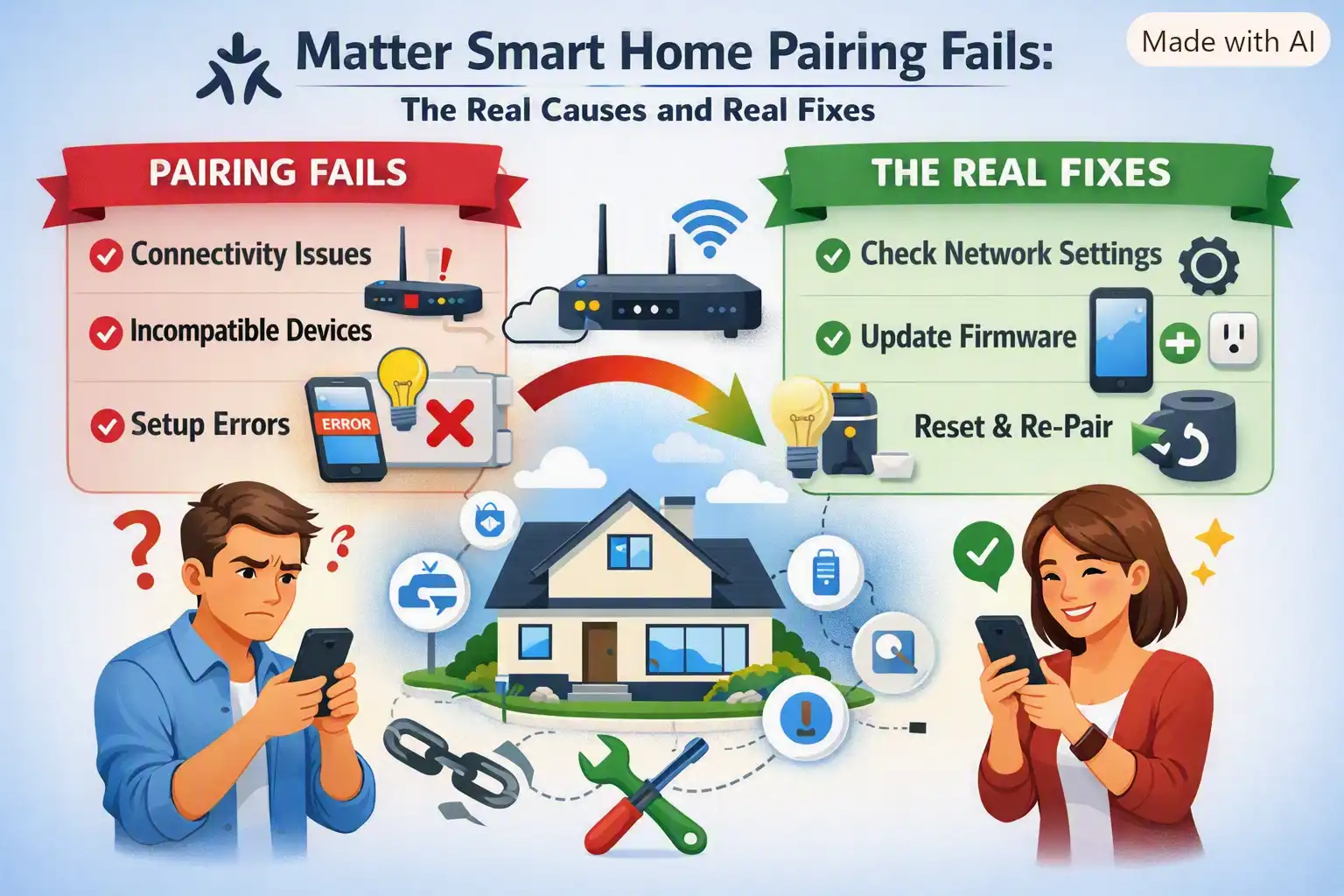
1. No Thread border router is actually online
This only applies to Thread-based devices, but it’s the single most common cause reported across troubleshooting resources. Check your platform app directly — in Apple Home, look under Home Hubs & Bridges; in Google Home, check whether your speaker or display shows a Thread connection; in SmartThings, check Hubs. If nothing is listed as an active Thread border router, that’s your problem, not the device you’re trying to add.
A specific, easy-to-miss trap: not every “compatible” hub actually has Thread hardware. Documented troubleshooting guidance confirms the Apple TV 4K only acts as a Thread border router in its Wi-Fi + Ethernet configuration — the Wi-Fi-only model has no Thread radio at all, regardless of how current its software is. If you’re relying on an Apple TV as your border router, confirm you have the right hardware variant before assuming the device itself is faulty.
2. IPv6 is disabled on your router
Matter is built on IPv6, and commissioning fails outright without it — but this is one of the hardest causes to self-diagnose, because a network with IPv6 turned off will otherwise run perfectly normally. Streaming works, your existing smart plugs work, your Wi-Fi works. Nothing else on your network gives you any hint that this is the blocker. Check your router’s settings for an IPv6 toggle and make sure it’s enabled, not just present.
3. The device is already claimed by another platform
A Matter device can only be freshly added to a platform once. If it was previously set up in, say, Apple Home and you’re now trying to add it fresh into Google Home or Home Assistant, that attempt will fail — not because anything is broken, but because the device is still “owned” by its original platform. You have two options: use Matter’s multi-admin feature to generate a sharing code from the platform that already owns it, or fully factory-reset the device so it’s free to be claimed from scratch. Repeatedly scanning the same QR code from multiple different apps, hoping one eventually works, is the single most common way people make this worse rather than better.
4. Multiple Thread border routers running separate networks
If you own devices from more than one ecosystem — an Apple TV or HomePod alongside a Google Nest Hub, for instance — you may have two entirely separate Thread networks operating in your home rather than one shared one. A Matter-over-Thread device can only see and join a single Thread network at a time, and if it happens to attach to the “wrong” one, or the two networks aren’t merged, pairing and post-pairing reliability both suffer. Some platforms now support merging Thread credentials across ecosystems; check your specific app for this option before assuming a device is defective.
5. A network setting is silently blocking device discovery
Matter relies on a local discovery protocol (mDNS) to find devices on your network during setup. Several common router and network configurations break this without any obvious symptom: guest networks, separate IoT VLANs, AP or client isolation settings, and IGMP snooping or multicast-to-unicast conversion features. For the duration of commissioning specifically, keep your phone, your hub, and the device you’re adding on the exact same ordinary network — no guest network, no separate SSID, no VLAN between them.
A practical diagnostic order to actually follow
- Confirm what kind of device you have. Check the packaging or product page for whether it’s Matter-over-Wi-Fi or Matter-over-Thread — this determines which half of this guide is relevant.
- For Thread devices, confirm a border router is actually active in your platform app before doing anything else.
- Check IPv6 is enabled on your router, since this has no other visible symptom.
- Put your phone and the device on the same plain network — no guest network, no VLAN — for the duration of setup.
- Commission into one platform only, first. Pick whichever app will be your day-to-day controller, get it stable, then use multi-admin to share it to other platforms afterward — don’t try to add it everywhere simultaneously.
- If it still fails, factory-reset once and wait for the device’s specific pairing-mode indicator before retrying — resetting repeatedly without addressing the causes above just repeats the same failure.
On the current IKEA pairing issues specifically. Independent troubleshooting reports and community threads have documented IKEA’s new Matter-over-Thread devices — buttons, bulbs, plugs, and sensors — failing to connect up to 50% of the time during initial pairing. IKEA has acknowledged the reports and a firmware fix is reportedly in progress. If you’re specifically affected by this, the border router and multi-admin checks above are the most likely fixes available right now, ahead of any firmware update — but this is a known, actively-being-addressed issue, not a sign your setup is uniquely broken.
Quick reference
| Wi-Fi Matter device won’t pair | Check router IPv6 setting; check for guest network/VLAN/AP isolation interfering with discovery. |
| Thread Matter device won’t pair | Confirm an active Thread border router in your platform app; check you have Thread-capable hardware, not just a compatible-sounding model. |
| Device pairs to the wrong app, or won’t move platforms | Use multi-admin sharing from the original owning platform, or fully factory-reset before re-adding. |
| Device connects but drops constantly | Check for multiple unmerged Thread networks in the home; consolidate or merge border routers where the platform allows it. |
| Setup stalls partway through | Move the device within roughly 10 feet of the border router or hub during initial commissioning; retry after a short wait rather than immediately. |
Common questions
Why won’t my Matter device connect at all?
The most common causes, in order of likelihood, are: no active Thread border router (for Thread devices), IPv6 disabled on your router, the device already being commissioned to a different platform, or a network setting like a guest network or VLAN blocking the local discovery process Matter relies on.
Do I need a Thread border router for every Matter device?
No. Matter devices connect either over regular Wi-Fi or over Thread. Wi-Fi Matter devices don’t need a border router at all. Only Thread-based devices require one, and not every smart home hub that looks compatible actually has Thread hardware — check your specific model.
Why does my device work in one app but not another?
A Matter device can only be freshly commissioned to one platform at a time. To add it to a second platform, use Matter’s multi-admin sharing feature from the app that already owns it, rather than trying to pair it fresh in the new app, which will fail.
Why is IPv6 relevant to a smart home device?
Matter is built on IPv6 end-to-end, and commissioning fails without it — but a network with IPv6 disabled otherwise functions completely normally for everything else, which makes this an easy cause to overlook since there’s no other symptom pointing to it.
Is the current wave of Matter pairing problems specific to one brand?
No, though IKEA’s newest Matter-over-Thread devices have drawn particular attention recently, with independently verified failure rates reported as high as 50% in some cases. The underlying causes — border router conflicts, IPv6 settings, and multi-platform confusion — affect Matter devices across brands, not just one manufacturer’s product line.
Sources
- Trunetto — on documented IKEA Matter-over-Thread pairing failure rates. trunetto.com
- How-To Geek — on Matter’s broader cross-platform fragmentation since its 2022 launch. howtogeek.com
- HomeTechOps — technical troubleshooting reference on Matter/Thread pairing failure categories. hometechops.com