TP‑Link Banned -Smart Devices and Home Networks

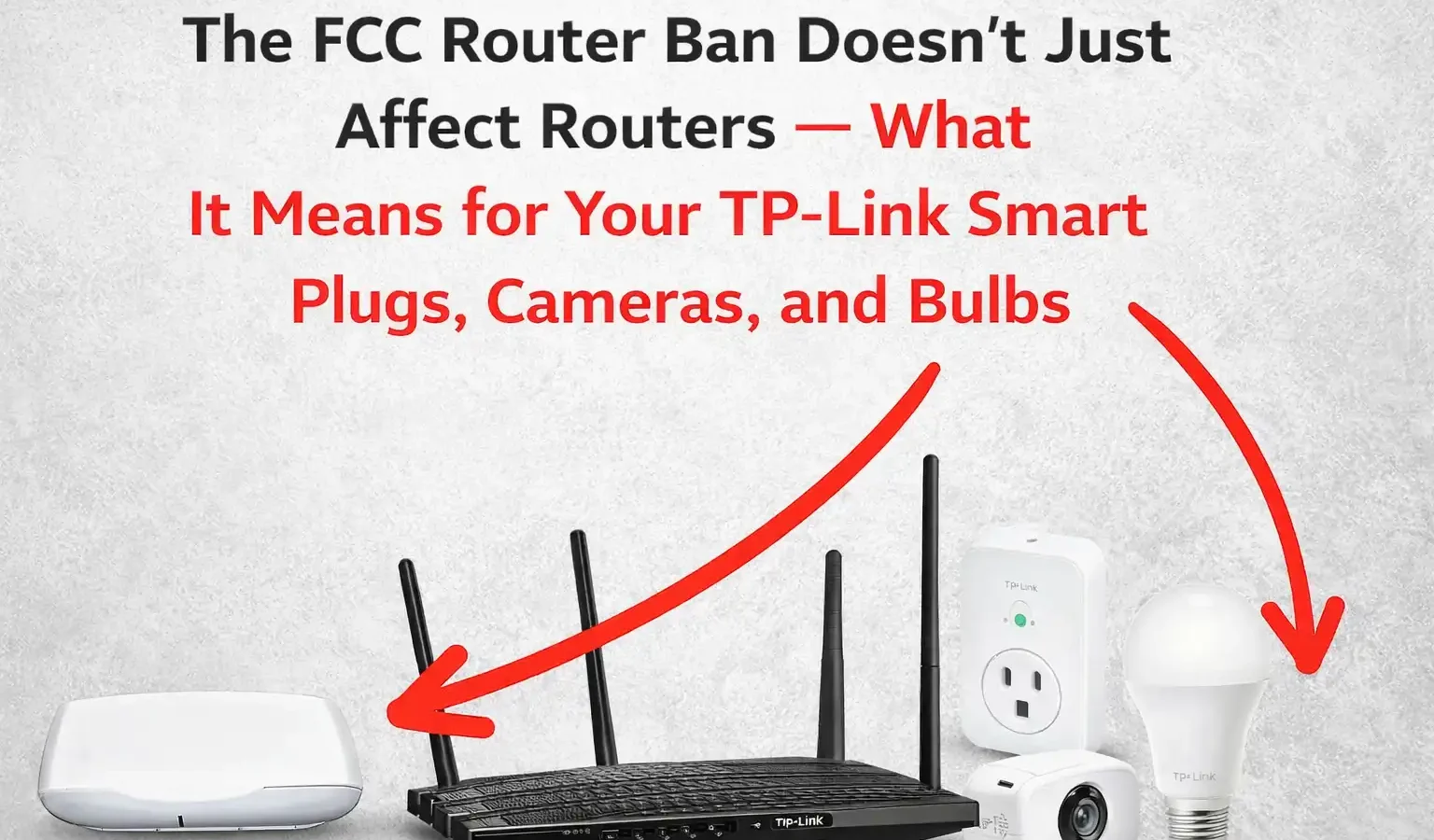
The US Router Ban Doesn’t Cover Your TP-Link Smart Plugs and Cameras — Here’s What Actually Protects Them
In March 2026, the FCC banned new imports of foreign-made consumer routers — and TP-Link was the biggest name in the headlines. But if you own Tapo cameras, Kasa smart plugs, or TP-Link smart bulbs rather than just a router, the ban doesn’t apply to you at all. Here’s what the rule actually covers, what genuinely protects your smart home devices, and the steps that take ten minutes.
If you searched anything about TP-Link in the last few months, you probably came across headlines about a US government ban. What most of those articles don’t make clear is exactly what got banned — and if you own TP-Link’s hugely popular Tapo cameras, Kasa smart plugs, or smart bulbs rather than one of their routers, the answer might surprise you: none of it applies to those devices.
That doesn’t mean there’s nothing to think about. TP-Link’s smart home line has had a genuinely active stream of security advisories this year — real vulnerabilities, with real fixes, in real products people have in their homes right now. The router ban and the smart-device security situation are two completely separate things, and conflating them means people either panic about the wrong thing or, worse, feel falsely reassured and skip the steps that would actually help.
This guide separates the two clearly, and gives you a genuinely actionable checklist — most of which takes about ten minutes total and applies whether you own TP-Link, Ring, Wyze, or anything else with an app and a camera lens.
What the FCC Ban Actually Covers — In Plain English
On March 23, 2026, the FCC added “consumer-grade routers produced in foreign countries” to its Covered List — a list of equipment the US government has determined poses a national security risk. The decision followed a National Security Determination dated March 20, 2026, citing the Volt Typhoon and Salt Typhoon attacks, which used compromised home routers as entry points into US infrastructure.
A week later, on March 31, the FCC published clarifying FAQs. The key clarification, confirmed by multiple law firm analyses of the FCC’s own language, is this: the ban covers routers — devices “primarily intended for residential or small office/home office use” that handle the routing function between your home network and the internet (WAN/LAN traffic). Integrated modem-router combos from ISPs are explicitly included too.
A router is the device that connects your home to the internet and directs traffic between it and everything inside your house. A smart plug, camera, or bulb is a device that connects to your router — it doesn’t route anything. The FCC’s National Security Determination is specifically about the routing function and the WAN-facing attack surface that creates. Smart home accessories sit behind that boundary, not on it, and the FCC’s own FAQ language does not extend the Covered List designation to them.
Practically, this means: if you own a TP-Link Archer or Deco router, the ban affects what new models can be imported and sold going forward (existing units in your home are completely unaffected — there’s no recall). If you own TP-Link Tapo cameras, Kasa plugs, or smart bulbs and your router is from a different brand entirely — or even if your router is also TP-Link — the smart home accessories themselves sit outside this specific ruling.
So Is TP-Link Smart Home Gear Actually Safe?
This is the more useful question, and the honest answer is: it’s the same question you should be asking about any smart home brand — Ring, Wyze, Eufy, Aqara, all of them. Every camera and smart plug manufacturer publishes security advisories, because internet-connected devices with cameras and microphones are a genuinely attractive target, and vulnerabilities get found in all of them on a rolling basis.
What’s notable about TP-Link specifically is that they maintain a public security advisory page, and looking through it gives a useful window into what kinds of issues actually show up in consumer smart home devices. In the first half of 2026 alone, TP-Link published advisories covering multiple vulnerabilities across their Tapo camera line — including command injection flaws that could allow “full device compromise” if exploited, denial-of-service issues that could repeatedly crash and restart a camera, and a password hash leak affecting the Tapo app on local networks.
Every one of those advisories came with a fix — a firmware update, an app update, or both. The vulnerabilities are concerning in the abstract, but the practical risk to any individual user depends almost entirely on one thing: whether the device and app are kept updated. An unpatched camera from 2023 sitting on your network is a meaningfully different risk than the same model with current firmware. This is true for every smart home brand, not just TP-Link — the difference is simply whether you’ve seen the advisory.
Watch — Securing Your Smart Home Network
Finding every device on your home network — a useful first step before segmenting smart home devices. All rights respective owner. Source: YouTube.
The Actual Checklist — What Protects Any Smart Home Device
None of the following is TP-Link-specific. This is the same checklist that applies whether you have Tapo, Kasa, Ring, Wyze, Eufy, or a mix of everything. Most of it takes a few minutes per device, and you only need to do it once (plus occasional updates afterward).
Open the manufacturer’s app (Tapo, Kasa, or equivalent) and check for an app update first — app updates often need to land before a device will accept a firmware update. Then go into each device’s settings and check for a firmware update specifically. TP-Link’s own advisories repeatedly state that updating firmware and the app is the fix for the vulnerabilities they’ve disclosed — this single step addresses the majority of known issues.
Smart cameras and plugs often ship with default or weak credentials for their local web interface, separate from your app login. If a device has any kind of local admin login (check the manual or settings menu for “local control” or “ONVIF” — a protocol several of the 2026 Tapo advisories involved), make sure that login uses a unique, strong password too — not just your app account password.
This is the single highest-impact step and the easiest to do without any technical skill. Most home routers let you create a “Guest” Wi-Fi network in their app or settings — put your smart plugs, cameras, and bulbs on that network instead of your main one. If a smart device is ever compromised, it cannot see or attack your laptops, phones, or NAS, because they’re on a separate network segment. This is exactly what a more advanced VLAN setup achieves, but a guest network gets you most of the benefit with zero configuration beyond turning it on.
Many smart cameras default to cloud access enabled — meaning the manufacturer’s servers can relay your camera feed to your phone anywhere in the world. If you only ever check a camera while at home, some apps let you switch to local-only/LAN mode, which removes an entire category of remote-attack surface and cloud-dependency risk at once. Check your app’s camera settings for “local storage only” or “disable cloud connection” options.
App push notifications tell you about new features. Security advisories tell you about vulnerabilities — and they’re usually published on a separate page that most users never see. TP-Link publishes theirs at tp-link.com/us/press/security-advisory. Bookmark the equivalent page for whatever brand you own, and check it every few months, especially after news coverage about that brand.
How This Compares Across Brands
| Practice | Why It Matters | Applies To |
|---|---|---|
| Firmware + app updates | Patches known vulnerabilities like the 2026 Tapo camera advisories | All brands |
| Unique device passwords | Prevents default-credential exploits, a common IoT attack vector | All brands |
| Separate IoT network/VLAN | Contains a breach to smart devices only, protects your main devices | All brands |
| Disable unused cloud access | Reduces remote attack surface and cloud-dependency risk | All brands |
| FCC router import restriction | Affects new router purchases only — not existing hardware or accessories | Routers only |
My Take — Mr Wangdoo
What stands out to me researching this is how much the router ban headlines crowded out the more useful, more boring story. “US bans TP-Link” is a dramatic headline. “Update your camera firmware regularly, same as you’d update your phone” is not — but it’s the thing that actually changes your risk, for any brand, regardless of what any government does about router imports.
If you’re someone who read the TP-Link ban news and went looking to see whether you needed to throw out your smart plugs, the honest answer is no — that’s not what was banned, and even if it were, “banned from new sale” doesn’t mean “dangerous to keep using.” But if that headline is the first time you’ve thought about your smart camera’s security settings in the two years since you set it up, that’s worth fixing regardless of any ban — and it takes less time than reading this article did.
Frequently Asked Questions
Does the FCC router ban affect my TP-Link Tapo cameras or Kasa smart plugs?
No. The FCC’s March 2026 action added foreign-made consumer-grade routers to its Covered List — devices that handle the routing function between your home network and the internet. Smart cameras, plugs, and bulbs connect through a router rather than performing routing themselves, and the FCC’s own published FAQ scopes the ban to routing devices. Tapo, Kasa, and similar smart home accessories are not covered by this specific ruling, regardless of brand.
Do I need to stop using my TP-Link router?
No. The ban restricts new imports of foreign-made consumer routers going forward — it does not recall or disable existing hardware. If you already own a TP-Link router (or any other affected brand), it continues to work exactly as before. The ban only affects what new router models can be imported and sold in the future.
Are TP-Link smart home devices less secure than other brands?
There’s no evidence of that. TP-Link maintains a public security advisory page and has published numerous vulnerability disclosures for its Tapo camera line in 2026, each with a corresponding fix. Publishing advisories is a sign of a functioning disclosure process, not necessarily a sign of worse security — every major smart home brand, including Ring, Wyze, and Eufy, has its own history of disclosed vulnerabilities and fixes. The practical difference for any user is whether their specific devices are kept updated, not which brand’s logo is on the box.
What’s the single most effective thing I can do to secure my smart home devices?
Putting smart home devices on a separate Wi-Fi network — your router’s built-in “Guest” network is sufficient for most homes — combined with keeping firmware and apps updated. The separate network means that if any single smart device is ever compromised, it cannot reach your computers, phones, or NAS on your main network. This takes a few minutes to set up once and applies regardless of which brands you own.
How do I know if my smart camera has a security advisory I’ve missed?
Check the manufacturer’s dedicated security advisory page directly — these are usually separate from the main support site and not pushed via app notifications. For TP-Link, this is at tp-link.com/us/press/security-advisory. Search for your specific model number. If an advisory exists for your device, it will state which firmware version fixes it — update the device and the app to that version or later.
- FCC Official — FACT SHEET: FCC Updates Covered List to Include Foreign-Made Consumer Routers (March 23, 2026)
- Morgan Lewis — FCC Adds New Foreign-Made Consumer Routers — scope and definition analysis (April 6, 2026)
- Wiley LLP — FCC Revises Guidance on Consumer-Grade Routers Added to Covered List (April 1, 2026)
- TP-Link Official — TP-Link Product Security Advisory page — ongoing CVE disclosures and fixes
- SentinelOne — CVE-2026-0652: TP-Link Tapo C260 Command Injection Vulnerability (February 13, 2026)
- Wilson Sonsini — Re-Routing the Market: FCC Adds Foreign-Produced Consumer Routers to Covered List (March 30, 2026)